Post-Battle XP & Scars
Most of what makes a Crusade campaign a campaign happens after the last die is rolled. Echelon does the post-battle accounting: XP gains, Out of Action tests, Battle Scars, and the rank-ups that follow.
You need a completed match before any of this is available.
Post-Battle Resolution Workflow
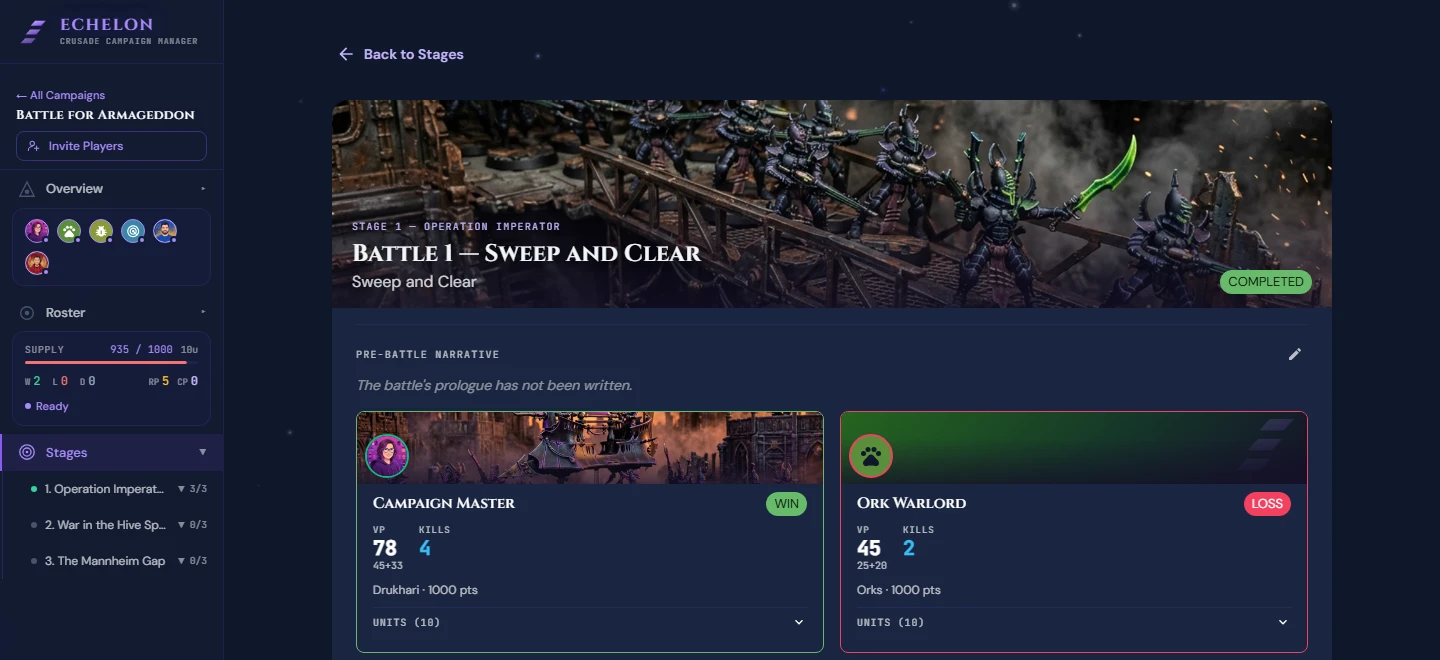
Step 1: Log Unit Kill Tallies & Agendas
- Click End Match & Log Results in the Live Battle Companion.
- For each unit participating in the match, record:
- Kills Tally: Number of enemy units destroyed by this unit during the match.
- Agenda Progress: Check off any Agendas successfully completed by the unit (e.g. Marked for Death, Search for Relics).
Automatic XP Calculation
Echelon automatically awards:
- +1 XP to every unit that participated in the match.
- +1 XP for every 3 enemy units destroyed by a unit.
- Bonus XP for each completed Agenda, as set by that Agenda.
- +3 XP to the nominated Marked for Greatness unit.
Step 2: Out of Action Tests
Units destroyed during the match carry an OOA badge in the post-battle screen and show their own Out of Action test control. Roll one D6 for each and record the result:
- Passed, no scar (2+): the unit returns unharmed. This is the usual outcome.
- Battle Scar (1): the unit takes a permanent injury. Pick it from the dropdown.
- Devastating Blow (1): the unit loses one Battle Honour instead. Pick which one.
- Destroyed: permanent removal from the Order of Battle.
Going Out of Action does not mean a scar
The test is passed on a 2+, so most destroyed units come back untouched. Only a roll of 1 costs the unit anything, and when it does, you choose whether that cost is a Battle Scar or a Devastating Blow.
Submit Post-Battle stays disabled until every Out of Action unit has a recorded result and any scar or honour choice has been named.
For the odds, the choice between a scar and a blow, the three-scar rule, and which units auto-pass, see Out of Action Tests.
Step 3: Marked for Greatness & Requisitions
- In the Marked for Greatness panel, select the one unit that earns +3 XP for this battle. This is required.
- Optionally spend Requisition Points from the Available Requisitions panel. You receive +1 RP for completing the battle, and it is available to spend immediately.
- Click Submit Post-Battle.
Healing Battle Scars
Battle Scars remain until removed. Spend the Repair and Recuperate Requisition in the post-battle step: 1 RP, plus 1 RP for each Battle Honour the unit has, up to a maximum of 5 RP.
Step 4: Rank Ups & Battle Honours
If a unit gains enough XP to cross a rank threshold, its post-battle card shows a rank-up notice with the old and new rank.
Battle Honours are not awarded from the post-battle screen. Open the unit's Crusade Card from the Roster page and add the honour there:
- Battle Trait: narrative stat buff or special rule.
- Weapon Modification: stat boost applied to one weapon on the card.
- Crusade Relic: an artefact equipped to a Character unit.
Judging Missions
Agendas are yours to report. Missions are not: the Campaign Host marks each assigned player as having passed or failed, and only the host can. Passing reveals the reward, failing applies the penalty, and a Mission is finished once nobody is still undecided, even if the answers disagree.
Each player's card on a finished battle lists the Missions they were given and how each one went.